Blog Post 4 – Interaction
For this post, I chose a YouTube video titled “The Bystander Effect” as a part of a lesson on bystander intervention. My interactive learning design focuses on helping learners recognize and respond to bystander situations, and this video would be used to spark thinking and discussion, rather than being a primary learning activity.
What kind of interaction would the video require from your students? Does it force them to respond in some way (inherent)?
This video does not inherently force interaction, as students are able to passively watch it without responding. Bates (2022) explains how interaction must be aligned with learning outcomes, so I would embed prompts before, during and after watching the video to help the learners engage with the material. Learners might then think about times that they saw a situation like this, or mentally rehearse how they would respond in a similar situation. This type of learner generated interaction aligns with Bates’ (2022) view that learning is stronger when there is meaning.
What activity could you suggest that they do after they have watched the video? What type of knowledge or skill would that activity help develop? What medium or technology would students use to do the activity?
After watching, the students could participate in role-play activities with small groups in breakout rooms on Zoom. They would be required to analyze a new scenario and answer a series of questions.
Example questions:
- What is happening in this situation?
- Why are people hesitating to intervene?
- What could you do in this situation to be an active bystander?
- What could some of the risks of intervening be?
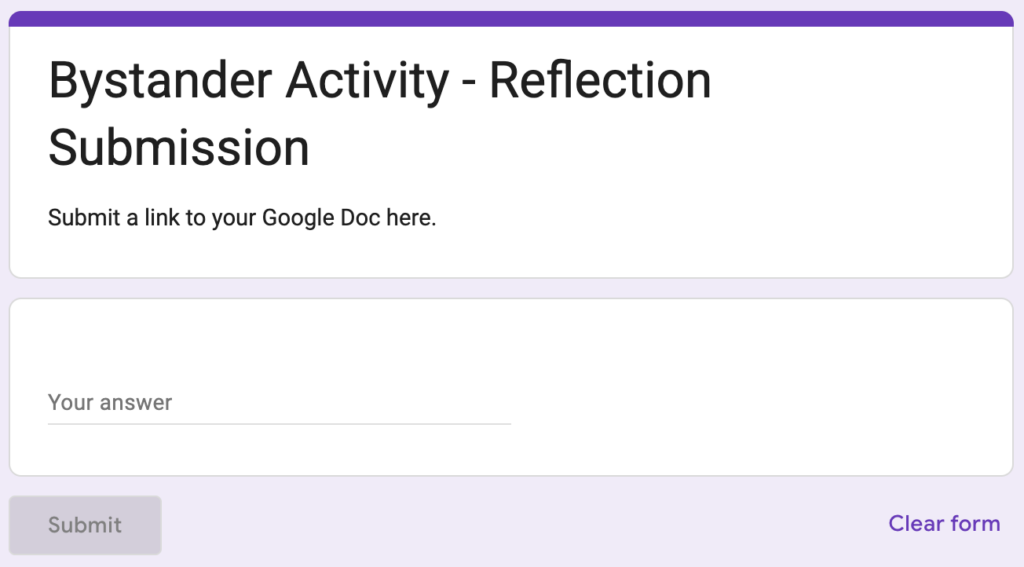
This would help develop critical thinking, decision-making and real life application skills. Groups could write down their responses on a shared Google Doc, then share a link to their document through a Google Form.
How would students get feedback on the activity that you set? What medium or technology would they and/or you use for getting and giving feedback on their activity?
Feedback would occur in two ways. There would be peer feedback during a discussion after the activity, where students would debrief their responses. This helps keep the learners accountable and provides instant feedback. There would also be instructor feedback and grading through comments on the shared document. Using a clear rubric, the instructor could provide feedback on which questions they answered well, and examples of how they could answer questions better.
How could the video have been designed to generate more or better activity from viewers or students?
The video could generate more meaningful interaction if it incorporated built in prompts and questions that required learners to actively respond. These pauses encourage learners to understand and process the information, rather than just view it. The video could include more scenario-based questions or short quizzes. Lastly, reflection prompts or discussion questions could be included at the end of the video. Videos are more effective for learning when they are required to actively engage with them.
How will you address any potential barriers for your learners in the use of this video to ensure an inclusive design?
To ensure inclusive design, the video should include accurate captions and a transcript for students who cannot hear, or prefer to read, the content. Breaking the video into smaller segments can help learners maintain their attention, better understand the information, and avoid cognitive overload. As well, any activities connected to the video should offer multiple ways for students to participate, such as giving them the opportunity to complete their reflection verbally or by themselves. This helps accommodate many learning styles, communication preferences and comfort levels.
References:
Bates, A. W. (2022). Pedagogical roles for text, audio, and video. In Teaching in a Digital Age: Guidelines for designing teaching and learning (3rd ed.). Tony Bates Associates Ltd. https://pressbooks.bccampus.ca/teachinginadigitalagev3m/chapter/pedagogical-roles-for-text-audio-and-video/
Hi Avery,
I really liked how you connected the video to a concrete activity rather than just having students watch it passively. The role-play idea in breakout rooms stood out to me because it seems like a great way for students to actually practice responding to bystander situations instead of only talking about them. I also thought your point about embedding prompts before and during the video was really strong, since it helps turn the video into a more active learning experience.
Great work!
Great work Avery!
The role-play activity is also a strong idea. Having students work in groups to analyze scenarios helps them practice critical thinking and apply the concept of bystander intervention to real situations. Using tools like Zoom and Google Docs also makes it easy for students to collaborate and share their ideas. Your design does a good job connecting the video, discussion, and feedback to help students better understand how to respond in bystander situations.